
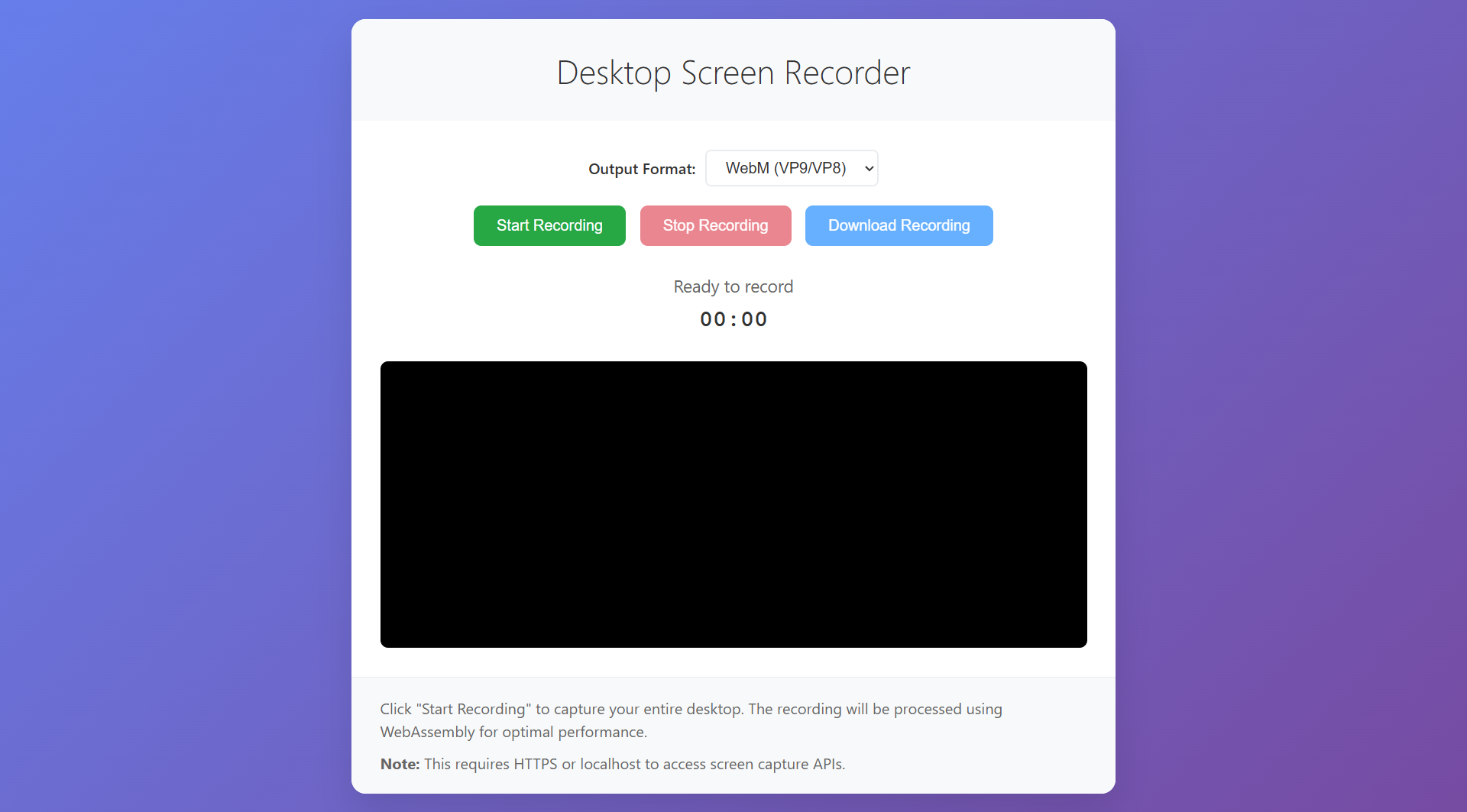
Desktop Screen Recorder is a lightweight and user-friendly screen recording solution that helps users record their desktop directly from the browser. The tool provides a clean interface with essential recording controls, including start recording, stop recording, output format selection, recording timer, preview area, and download option.
It is suitable for users who need a quick and reliable way to capture screen activity without installing complex software.
Key Features
Desktop Screen Recording
Users can record their desktop screen easily for tutorials, demonstrations, training materials, software walkthroughs, and presentation videos.
Output Format Selection
The system supports WebM output format with VP9/VP8 encoding, providing good video quality with efficient file size.
Start and Stop Controls
The interface includes simple Start Recording and Stop Recording buttons, allowing users to control the recording process clearly and efficiently.
Recording Timer
A built-in timer shows the recording duration in real time, helping users monitor the length of their screen recording.
Video Preview Area
The platform includes a video preview section where users can view the recorded screen content before downloading.
Download Recording
After recording, users can download the captured video directly for sharing, editing, uploading, or archiving.
Simple Browser-Based Interface
The tool is designed to work directly through the browser, reducing the need for additional software installation.
Why Choose Desktop Screen Recorder?
Desktop Screen Recorder provides a fast and practical solution for capturing screen activity. Its simple layout makes it easy for students, teachers, professionals, content creators, and support teams to record videos without technical complexity.
The tool focuses on essential recording functions, making it suitable for quick tasks and everyday screen-capture needs.